
Learn must-have English phrases for online meetings. I’m going to give you 36 specific key phrases that you can use in your online meetings in English.
Learn professional English vocabulary and feel confident during your online meetings in English.
Listen to the podcast Speak Better English with Harry or watch it on YouTube at Learn English with Harry.
Key Phrases for online meetings

Harry
must-have English phrases for online meetings
Hi there, guys, this is teacher Harry here and welcome back to my English lessons where we try to help you to get a better understanding of the use of the English language.
What are we going to talk about today? In today’s lesson, we’re going to talk about online meetings. In particular, must-have English phrases for online meetings.
The whole world is changed upside down, as you know, in the last two years, and now lots and lots of people are now working remotely. So when people are having their online meetings using Zoom, or Skype, or Google Meets, or Microsoft Teams, these are all online meetings that they’re having day-to-day, week in, week out. Sometimes non-native speakers have difficulty not with the business English language, but some of the small talk or the chit-chat or the introductory phrases that you should use when you want to introduce a topic or have a question. This particular lesson is going to focus on the must-have phrases and expressions for online meetings, and we’re going to break it down into different parts.

The first part we’re going to look at is the start of the meeting. I’m going to give you specific key phrases that you can use. Some of them may be quite obvious, some of them you might be using already, but they are very simple.
I always emphasise the simplicity of the language that we want to use.
- Nobody can misunderstand what you want to say
- You remember it a lot easier if it’s simple
- It’s easy to use
So let me give them to you.
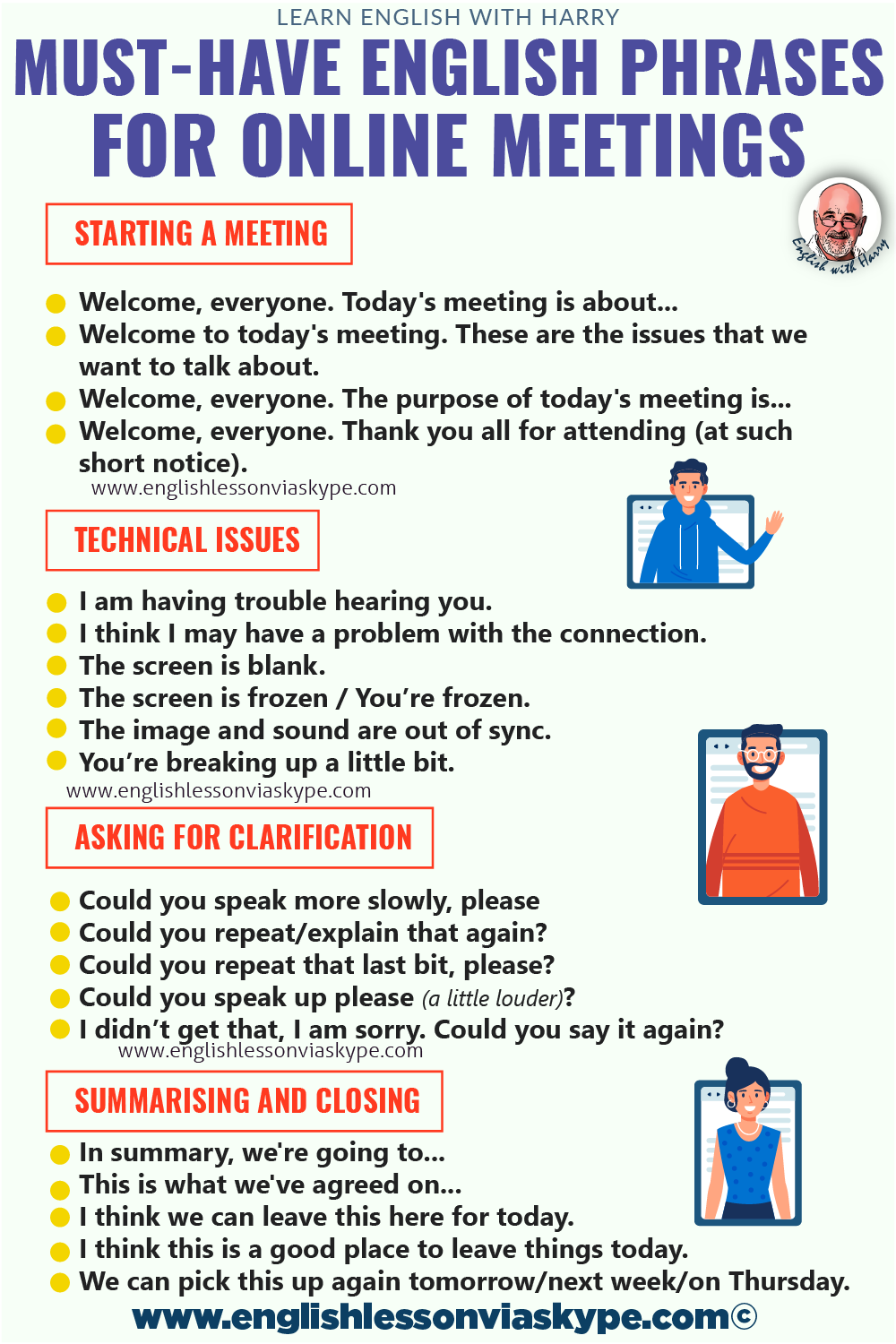
Welcoming phrases
- Welcome, everyone. Today’s meeting is about…
- Welcome to today’s meeting. These are the issues that we want to talk about.
- Welcome, everyone. This is our agenda.
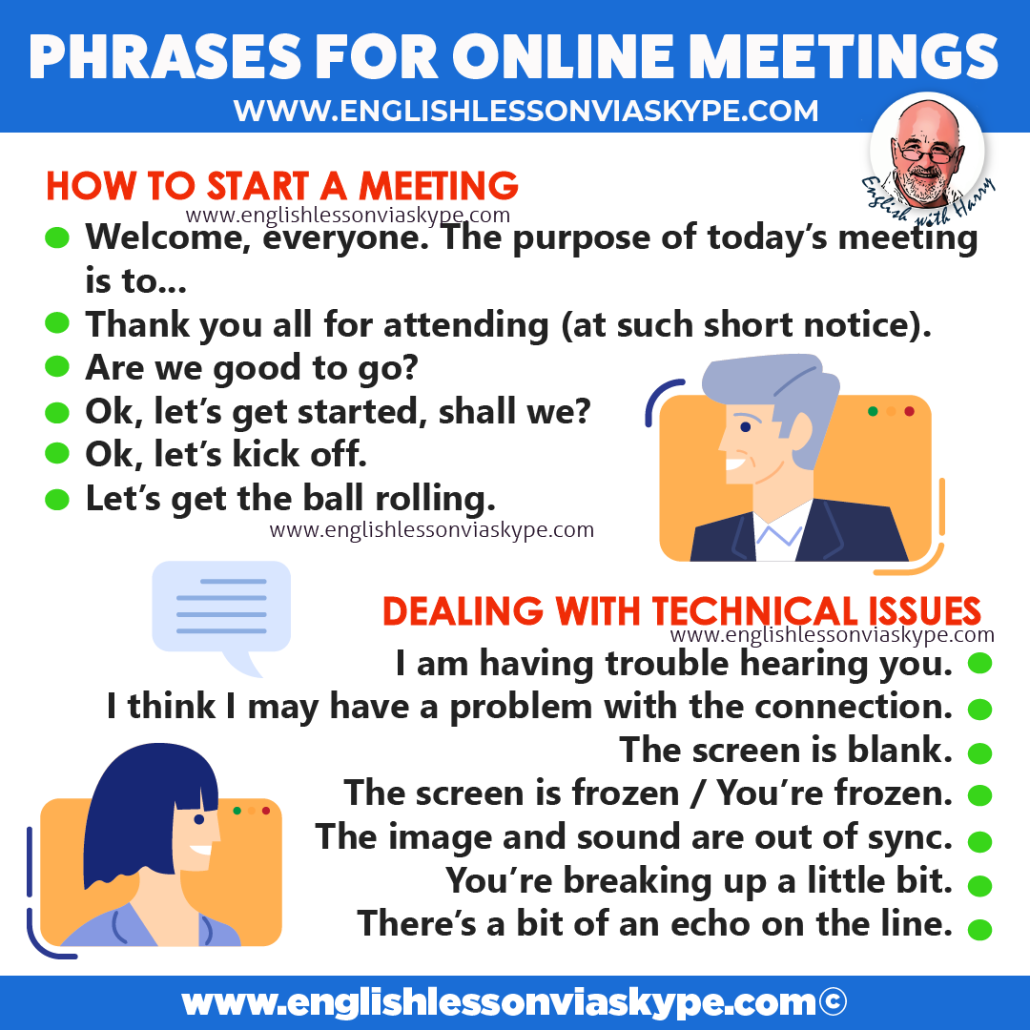
- Welcome, everyone. The purpose of today’s meeting is…
- Welcome, everyone. The meeting today is going to last no more than an hour.
- Welcome, everyone. Thank you all for attending (at such short notice).
Welcome, everyone. The purpose of today’s meeting is to agree on the marketing strategy for the launch of a new product.
Welcome, everyone. Today’s meeting is to discuss that the marketing the launch of the new product. The meeting is going to last no more than one hour.
Welcome, everyone. I sent you the agenda before the meeting, so you should all have a copy of what’s on it. If you want to say something, then just interrupt as we go through this particular meeting.
Welcome to a Zoom meeting. The purpose of today’s meeting is to discuss the important launch of a new project, which is going to start on the first of November.
book your trial English Lesson
Other phrases to start a meeting
- Are we good to go?
- Is everybody ready to start?
- Let’s get the meeting started.
- Ok, let’s get started, shall we?
Ok, let’s kick off. - Let’s get the ball rolling (get the ball rolling = begin).
- Today, we are going to start off by looking at (start off by = begin by).
Are we good to go? Let’s get started with the annual report.
Ok, let’s kick off. we’re going to get started with budgets.
must-have English phrases for online meetings
Share and help other students to improve English language skills.
Tell the person what you’re doing
- Let me share my screen with you.
- Can I share my screen with you?
- I’m going to share my screen / desktop.
- I’m going to pull up my presentation.
- Can you see what I’m showing you?
- Do you want me to make it bigger?
So whatever it is, it is going to give them advance notice as to what they’re going to see on the screen. By doing that, they know what to expect.
must-have English phrases for online meetings
Asking for clarification
- Could you speak more slowly, please
- Could you repeat/explain that again?
- Could you repeat that last bit, please?
- Could you speak up please (a little louder)?
- I didn’t get that I am sorry could you say it again?
must-have English phrases for online meetings
Interrupting an online meeting
- Sorry, would you mind if I asked a question?
- Just to clarify are you saying that…
- Could I interrupt you for a minute?
- Would you mind if I jumped in there, please?
- Would you mind if I butted in? (American English)
Can I stop you for just one minute, please? - One minute please, it seems we haven’t discussed…
Speak better English with Harry - Episode 338
Technical issues
- I am having trouble hearing you.
- I think I may have a problem with the connection.
- The screen is blank.
- The screen is frozen / You’re frozen.
- The image and sound are out of sync.
- You’re breaking up a little bit.
- There’s a bit of an echo on the line.
I am having trouble hearing you. Would you mind unmuting it?
must-have English phrases for online meetings
Moving on in an online meeting
- Let’s move on to the next item
- Moving on, let’s take a look at the item number…
- Let’s pencil in another meeting for next Wednesday.
must-have English phrases for online meetings
Summarising and closing a meeting
And it’s no harm from time to time, during the meeting, to summarise.
- What have we done so far?
- What have we covered so far?
Or at the very end of the meeting, you really want to summarise the key points that have been made, the action points that you have, and more importantly, who’s going to take responsibility for each of those individual action points.
So here are some of the phrases that you might need.
- In summary, we’re going to…
- This is what we’ve agreed on…
- I think we can leave this here for today.
- I think this is a good place to leave things today.
- We can pick this up again tomorrow/next week/on Wednesday.
I think this is a good place to stop or to end, we can pick up again the next day.
Okay, we’ve finished point three, we’ll pick up from point four from tomorrow.
It’s really important. When we’re talking about online meetings that we do summarise. It’s important that everybody knows where they are. Particularly, when we’ve got a lot of people that are participating.
If they’re coming from many different countries, it’s really important. They know where you started, where you ended, what happened is at the end of the meeting, is it going to continue another time, particularly if they’ve got a job to do? What are you asking them to do? What has been agreed so that everybody knows what would happen next?
Okay, so, online meetings, must-have English phrases for online meetings. Really good to know the language that you can use.
Hopefully, you’ve enjoyed that. As I said before, if you want to contact me, then you can do so on www.englishlessonviaskype.com. I’m really happy to hear from you anytime with some suggestions that you might have these words that we use today. I’m sure they’ll be of use to you, particularly in the modern world when lots and lots of meetings have moved online to Zoom in everything else.
And of course, if you want online English lessons on a one-to-one basis, or for fmaily members, or friends, or colleagues, it won’t always be me that will be giving the lesson. But we’ll be delighted to hear from you.
More information
For more information on English grammar rules, English collocations and English idioms, check out the links below:
English verbs related to Time Management
You can always study English advanced level at Learning English with the BBC.
You will love these English lessons

Phrasal Verbs with PUT and Their Meanings
Learn phrasal verbs with put with meanings and examples. Put by, put up with, put off and more. The video
Difference between Stand Up and Get Up
Here you will learn the difference between ‘stand up’ and ‘get up’. How to use confusing English verbs in a sentence correctly. Which verb should you use to express the first thing you do in the morning?
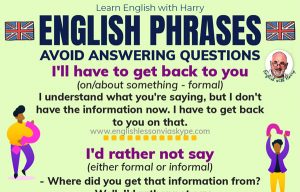
English Phrases To Avoid Answering A Question
Here you’re going to learn useful English phrases to avoid answering a question. These English phrases will help you when